First useful dashboard
- Verify the matching edition
- Register and activate
- Add or import domains
- Run the first checks
 DOMAIN COMMAND POSTMonitor. Manage. Discover. Protect.
Domain Command Post Help Center
These guides name the exact program path, list what you need before starting, walk through each click, show the expected result and give a recovery path when it does not work.
Browse every setup area
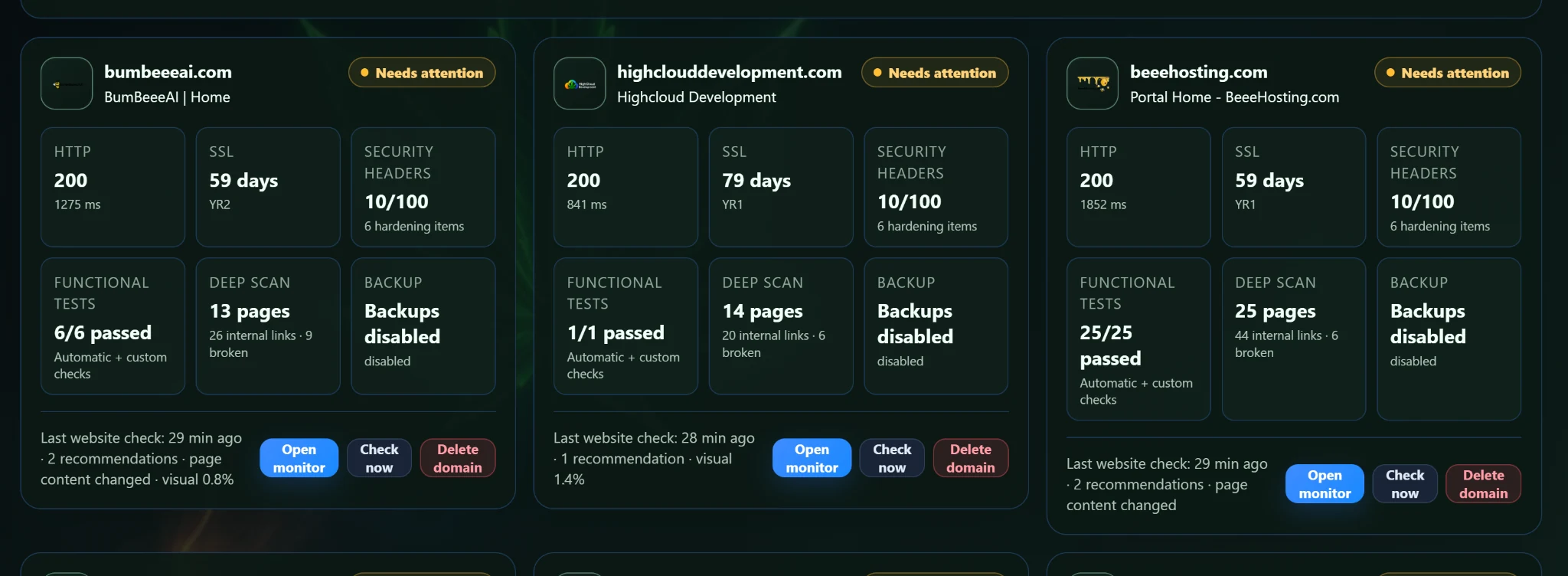
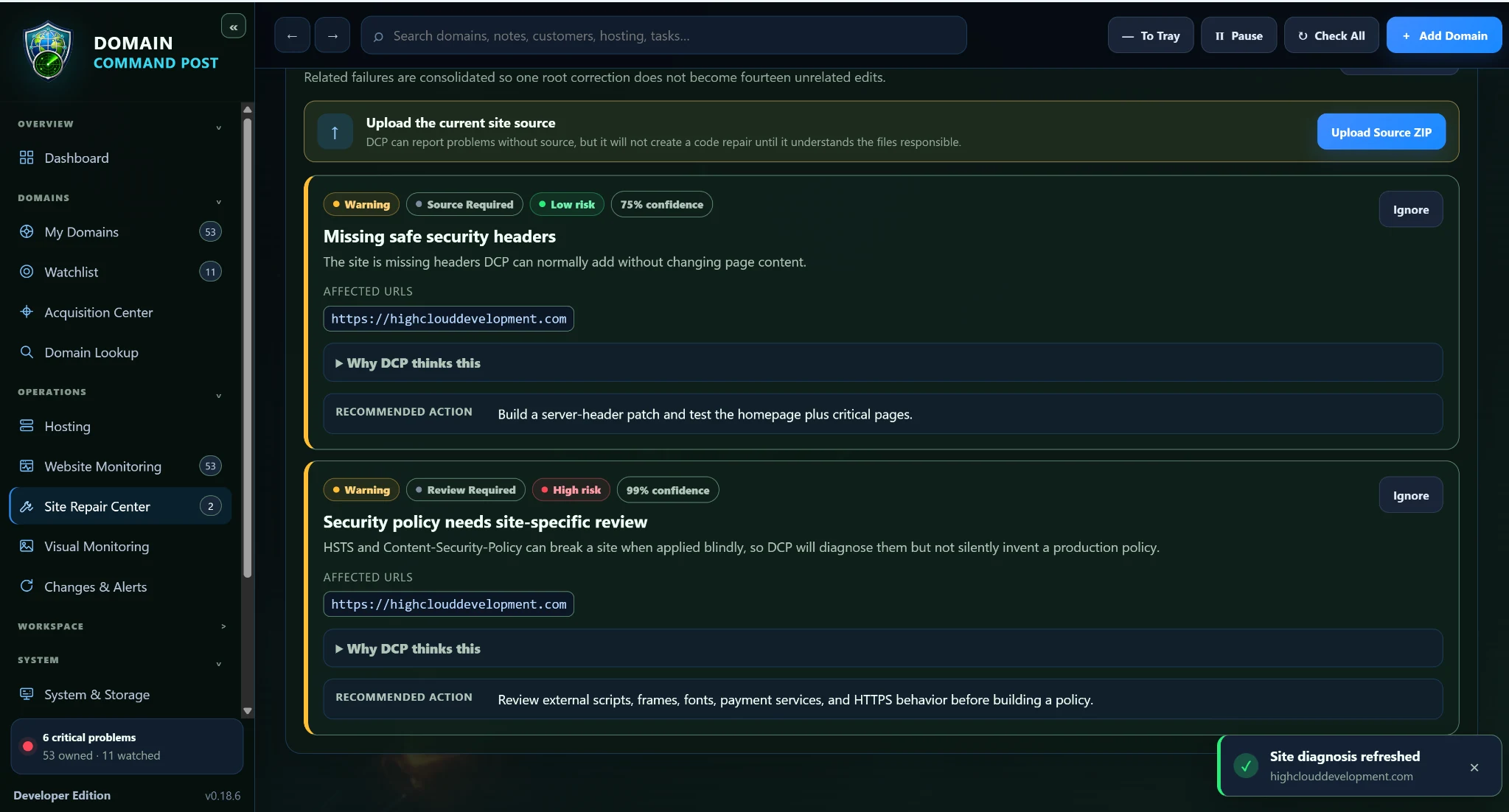
The most common help paths now include a visual starting point so the directions feel tied to the actual Windows application.
All directions
Search checks headings, summaries and step descriptions below.
Install, activate or enroll, choose the correct edition, add your first domains and understand the dashboard.
Open directions →STEP-BY-STEP GUIDEOwned domains, watchlists, health scores, Website Monitoring, SSL, DNS and visual monitoring.
Open directions →STEP-BY-STEP GUIDERegistrar setup, provider enable/disable behavior, WHM and cPanel connections.
Open directions →STEP-BY-STEP GUIDEAcquisition Center, Opportunity Finder, provider comparisons, scores and manual handoffs.
Open directions →STEP-BY-STEP GUIDESource analysis, guided review, safe batch repairs, restore points, validation, Keep Changes and Undo.
Open directions →STEP-BY-STEP GUIDEStorage analysis, cleanup planning, retained evidence, destination controls and Agent handoff.
Open directions →STEP-BY-STEP GUIDEProvider/model setup, permissions, scope, approval gates, sandbox validation and sending completed work to Agent.
Open directions →STEP-BY-STEP GUIDESecurity-header findings, Google Web Risk, optional reputation providers and provider-state handling.
Open directions →STEP-BY-STEP GUIDEBackup jobs, archive verification, retention, DCP backups, restore protection and moving computers.
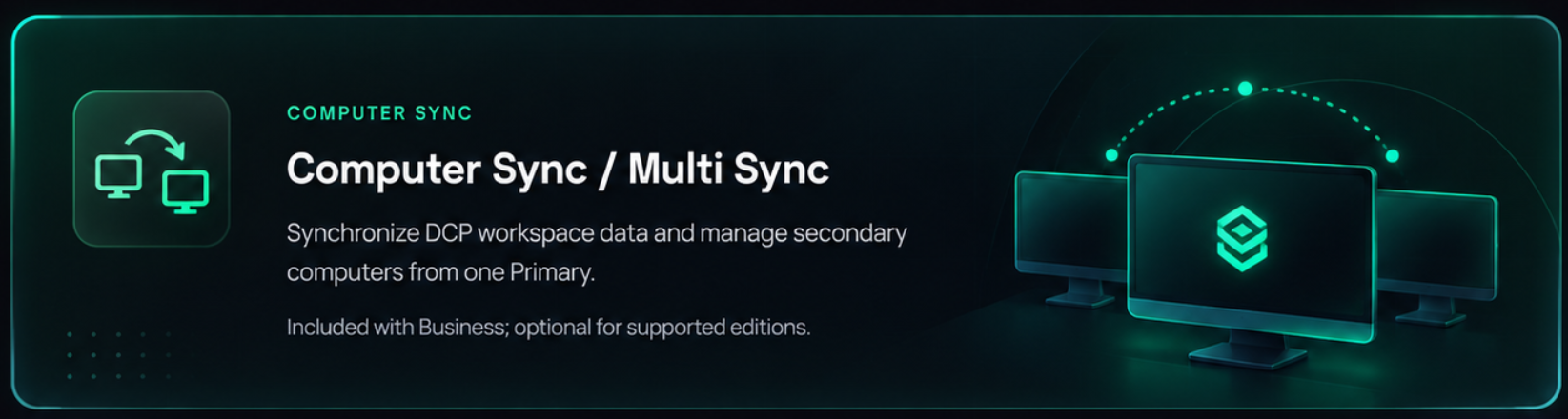
Open directions →STEP-BY-STEP GUIDEPrimary/secondary trust, managed enrollment, policies, heartbeats, recovery and activity.
Open directions →STEP-BY-STEP GUIDEPair a receive-only monitor to one exact Primary and understand what the Primary controls.
Open directions →STEP-BY-STEP GUIDEPublic registration, managed secondary enrollment, trials, product keys, activations and device limits.
Open directions →STEP-BY-STEP GUIDEWebsite themes, application themes, custom backgrounds and managed appearance.
Open directions →STEP-BY-STEP GUIDEBusiness branding and managed appearance behavior.
Open directions →STEP-BY-STEP GUIDEWebsite checkout and payment-provider administration when public sales are enabled.
Open directions →STEP-BY-STEP GUIDEScoped website API tokens, customers, licenses, activations and release administration.
Open directions →STEP-BY-STEP GUIDEManual website update/rollback path and the one-time deployment bootstrap process.
Open directions →STEP-BY-STEP GUIDEConfigure website mail delivery and test outgoing mail.
Open directions →STEP-BY-STEP GUIDECommon activation, sync, provider, repair and deployment recovery steps.
Open directions →Provider setup
The connections guide keeps the provider page and directions separate, tells you where to create the required API value, what permission it needs, where to paste it and how to verify the test.