Portfolio Dashboard
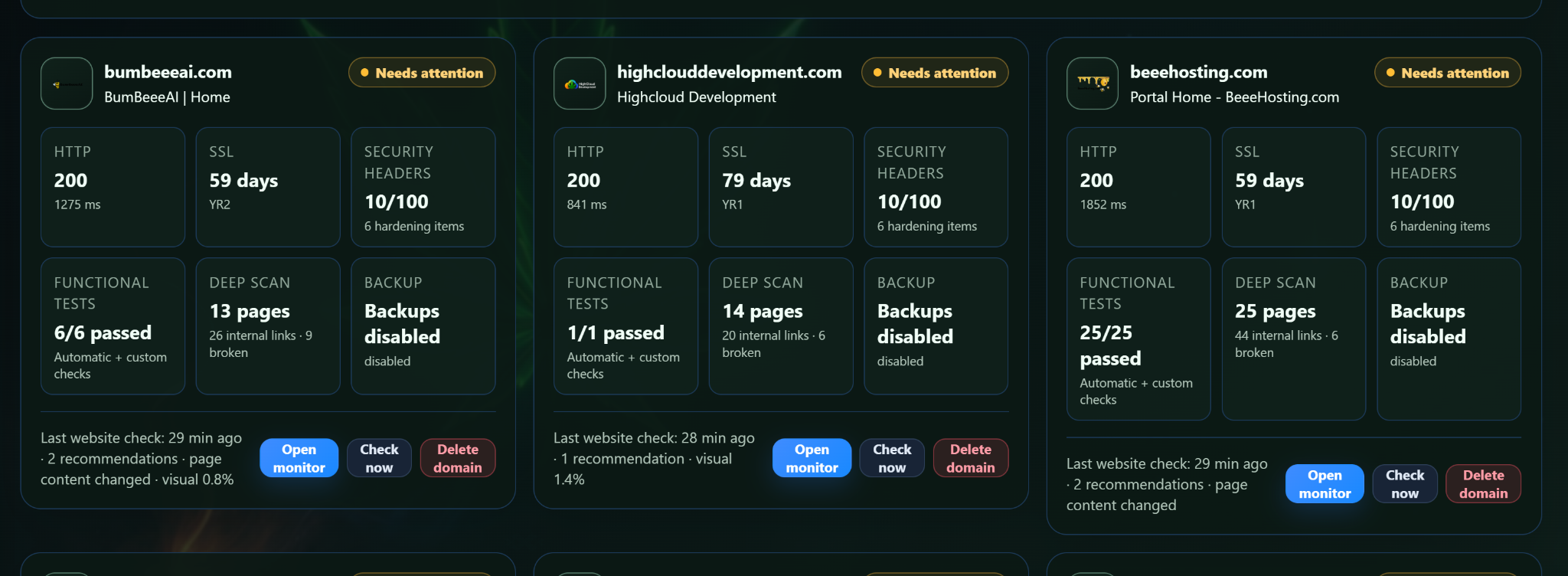
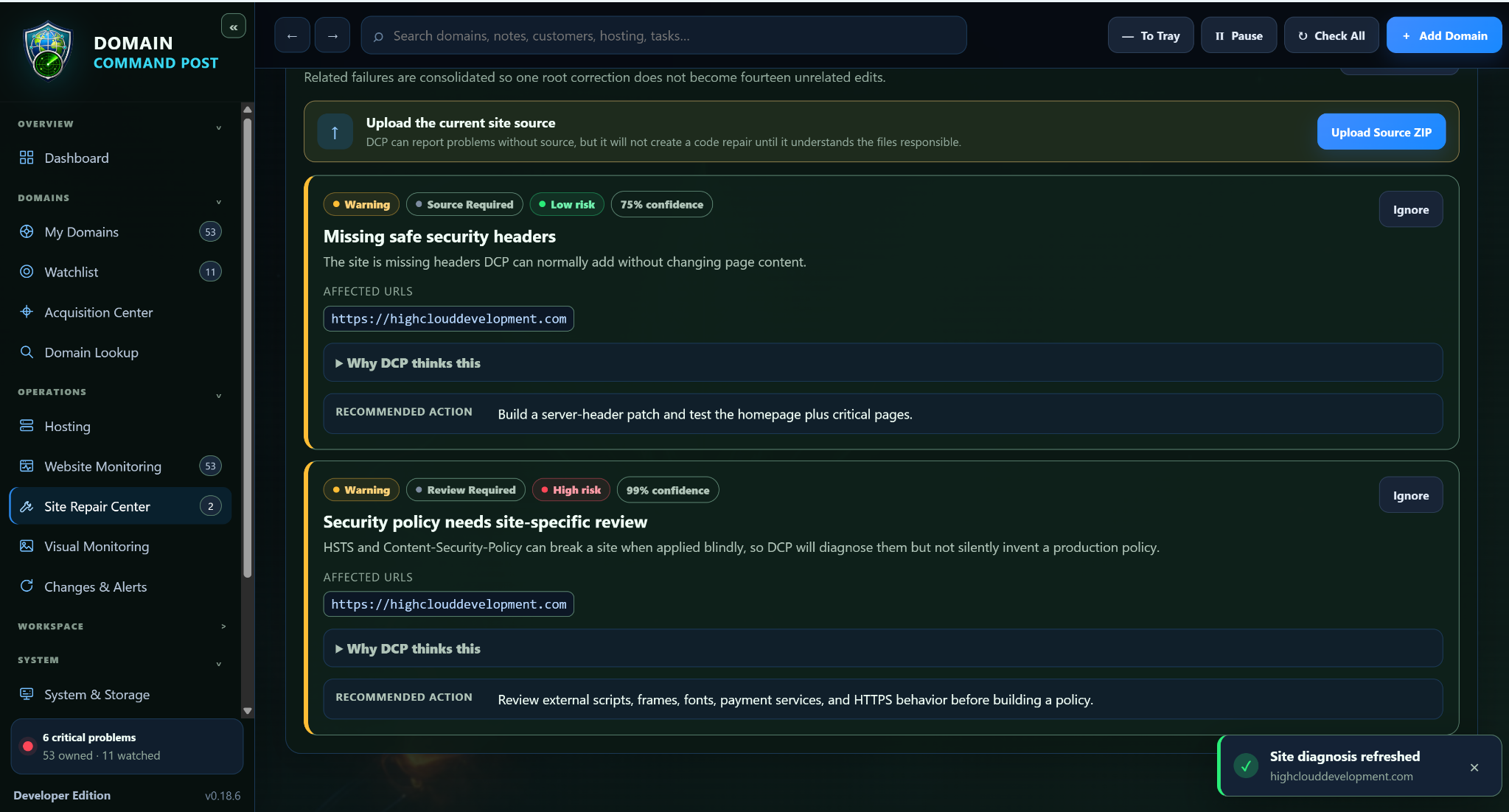
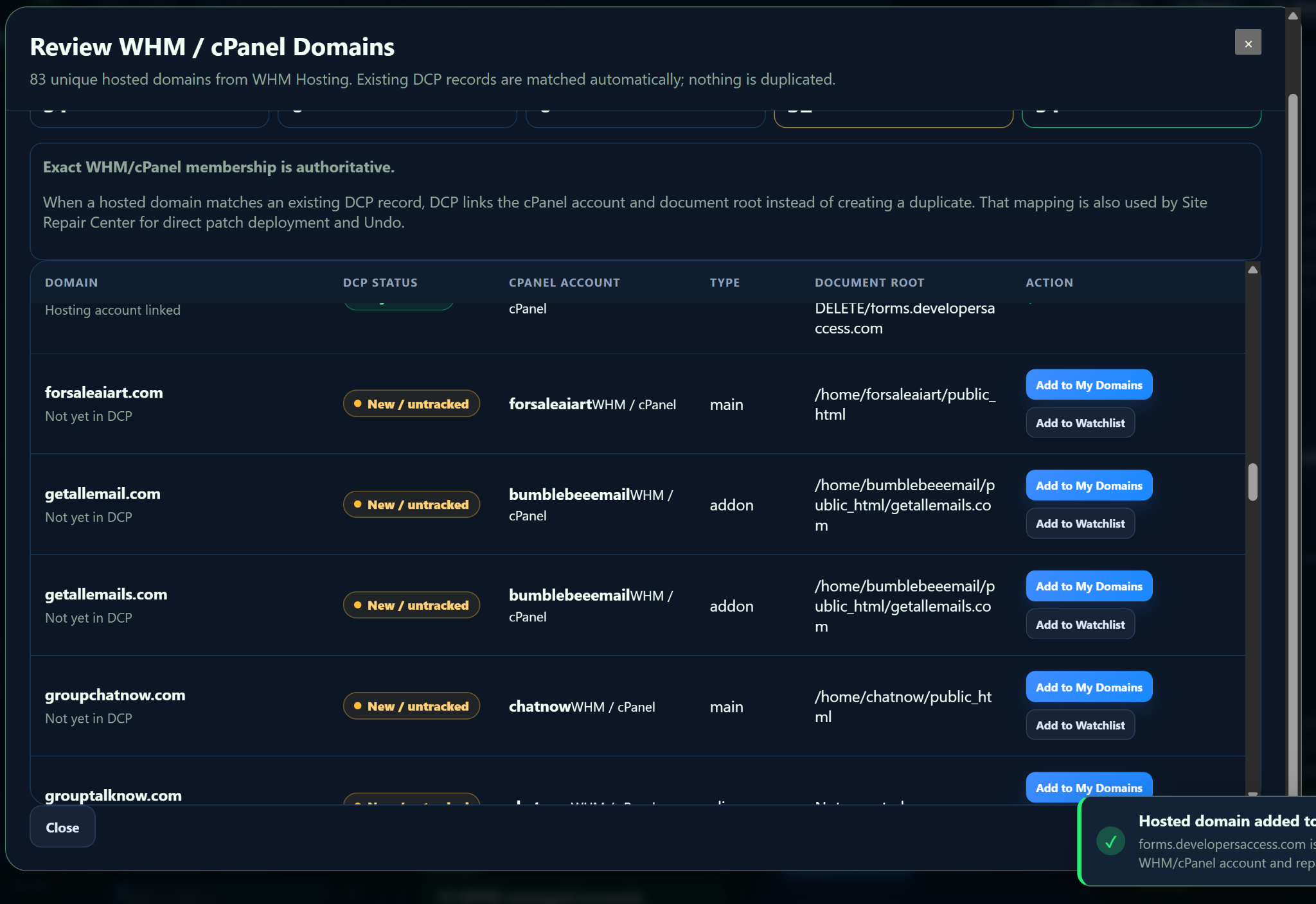
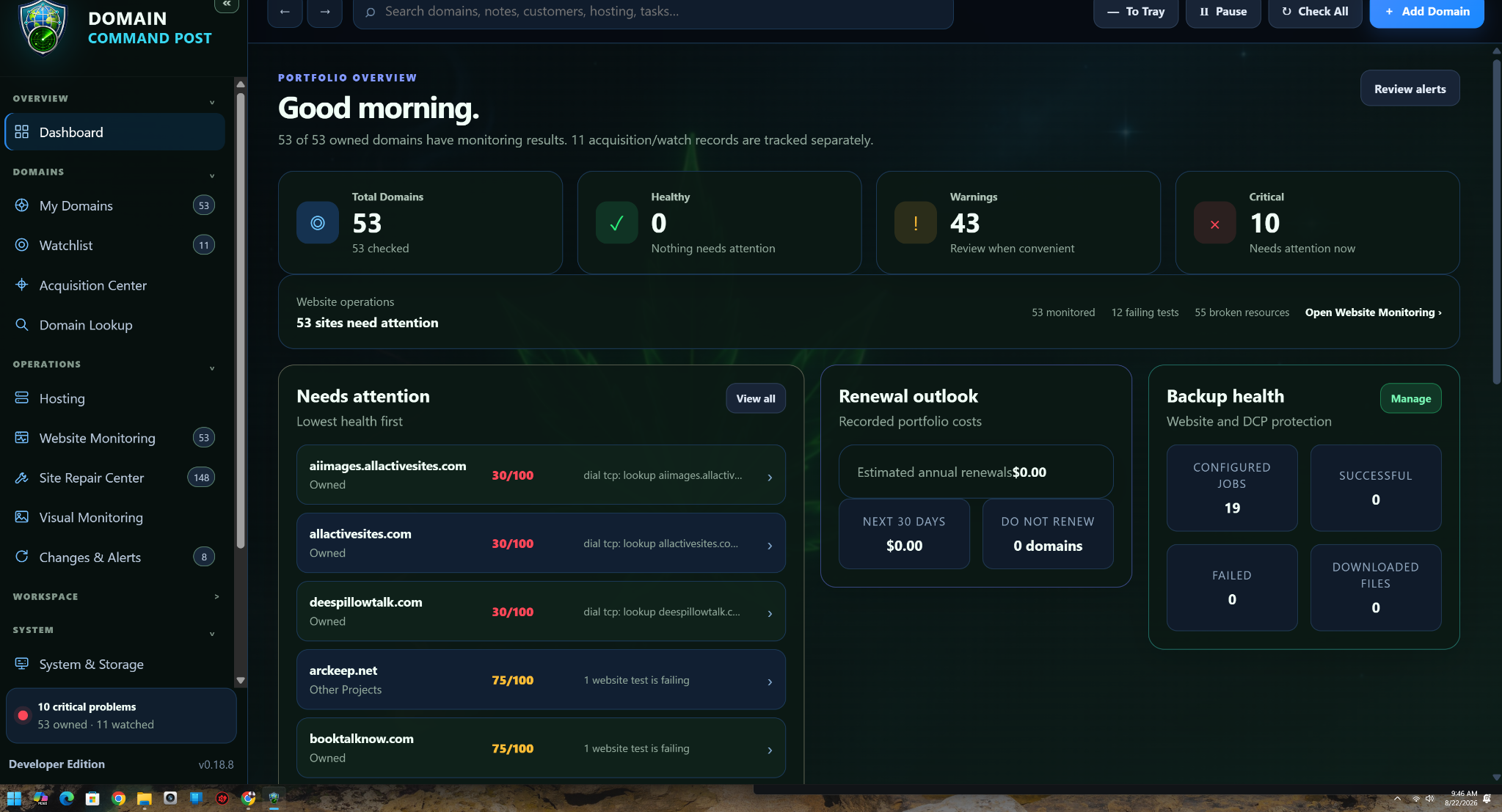
See every tracked domain, status, expiration date, registrar, category, notes, and health indicators in one place.
Built for quick scanningTrack registrations, expirations, registrar details, DNS, SSL status, notes, alerts, and public ownership data from one focused desktop command center.
All systems in one place.
Keep expirations, DNS, certificates, ownership records, and registrar changes visible before they become problems.
DomainCommandPost is designed to make a growing domain portfolio feel like an organized system instead of a pile of registrar logins, renewal emails, spreadsheets, and bookmarks.
See every tracked domain, status, expiration date, registrar, category, notes, and health indicators in one place.
Built for quick scanningKnow what is coming due before the registrar's last-minute email becomes your only warning.
Renewal risk visibilityLook up public RDAP and WHOIS information, including registrar, creation date, expiration date, and published contacts when available.
Public ownership dataKeep nameservers and important DNS details visible alongside the domain they belong to.
Less registrar hoppingTrack certificate status and expiration information so a forgotten certificate does not turn into a surprise browser warning.
Website health at a glanceRecord what each domain is for, which project uses it, whether it may be sold, and anything else you do not want to rediscover later.
Your own domain knowledge basePull the useful public registration details into the same place you already manage the domain. No digging through multiple lookup sites every time you want one answer.
See when a domain was created, last updated, and when the current registration period ends.
Know where a domain is registered and which infrastructure currently controls its DNS.
Display registrant or contact information when the registry publishes it. Privacy services may hide these fields.
Use registration details as part of researching a domain you may want to buy or contact about.
Choose a built-in visual style or use a personal theme for the command center. The website theme switcher above previews the same idea.
Bring your portfolio into one centralized list instead of maintaining disconnected records.
Attach registration, registrar, DNS, and certificate information to each domain.
Group domains by project, status, company, purpose, sale intent, or any workflow you choose.
Surface renewals and issues early enough to act instead of react.
Bring renewal tracking, registration research, DNS visibility, SSL awareness, notes, and portfolio organization together in one Windows desktop application.
Its core purpose is portfolio management and intelligence. Registrar integrations can be added separately if you decide to support registration or renewal actions directly inside the app.
It can display ownership or registrant information when that information is publicly available through RDAP or WHOIS. Many domains use privacy or proxy services, so the actual owner name or email may not be published.
Yes—the concept is registrar-independent. Your command post should organize the portfolio around the domains themselves, even when those domains are spread across multiple companies.
Expiration monitoring and advance renewal visibility are central parts of the product direction. You can configure the app to surface domains that are approaching renewal.
Yes. The product direction includes multiple built-in themes plus a personal theme option so the desktop app can match the way you want your workspace to look.